Docker Desktop is the all-in-one package to build images, run containers, and so much more. This guide will walk you through the installation process, enabling you to experience Docker Desktop firsthand.
Docker Desktop terms
Commercial use of Docker Desktop in larger enterprises (more than 250 employees OR more than $10 million USD in annual revenue) requires apaid subscription.
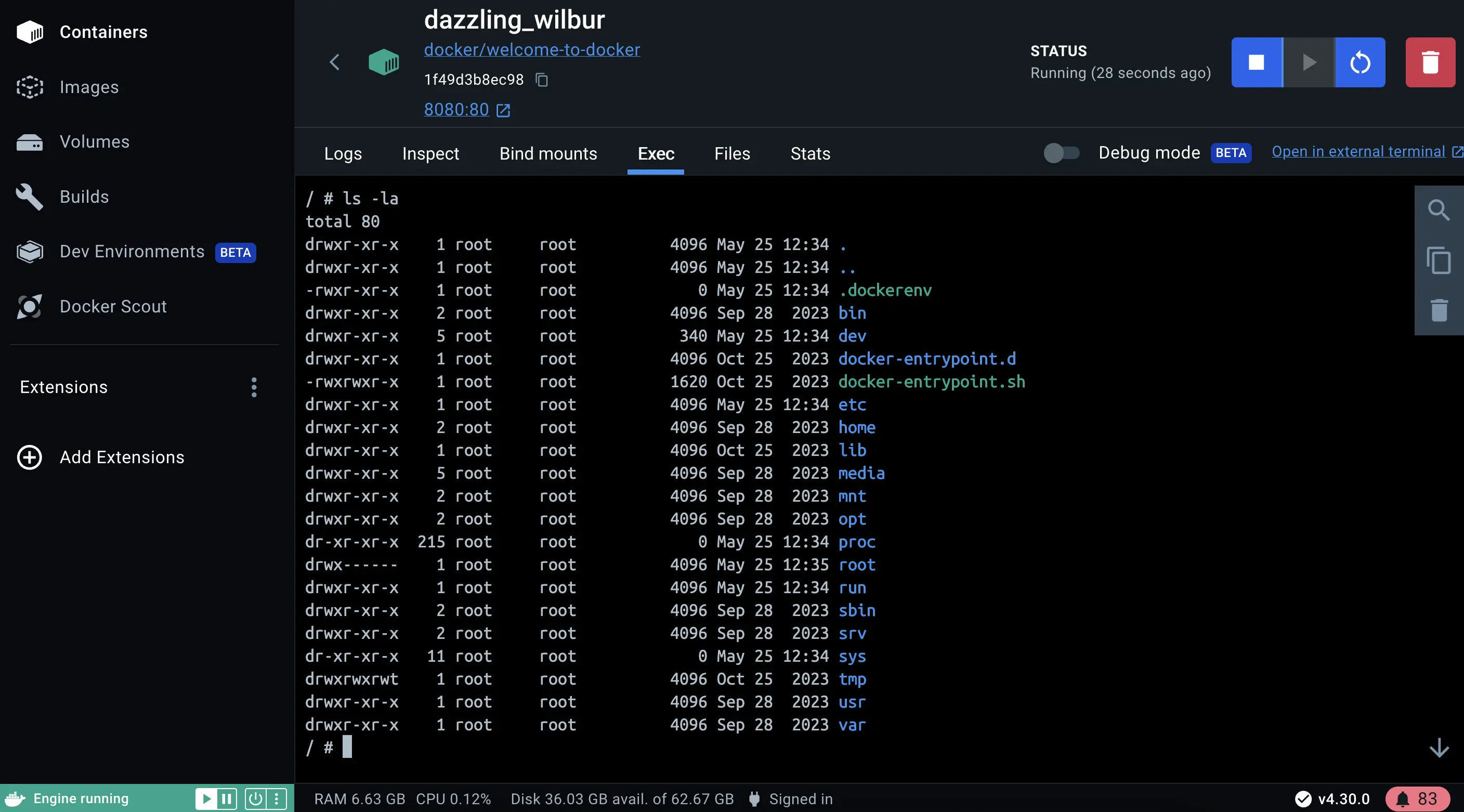
Open Docker Desktop and select theContainersfield on the left sidebar.
You can view information about your container including logs, and files, and even access the shell by selecting theExectab.
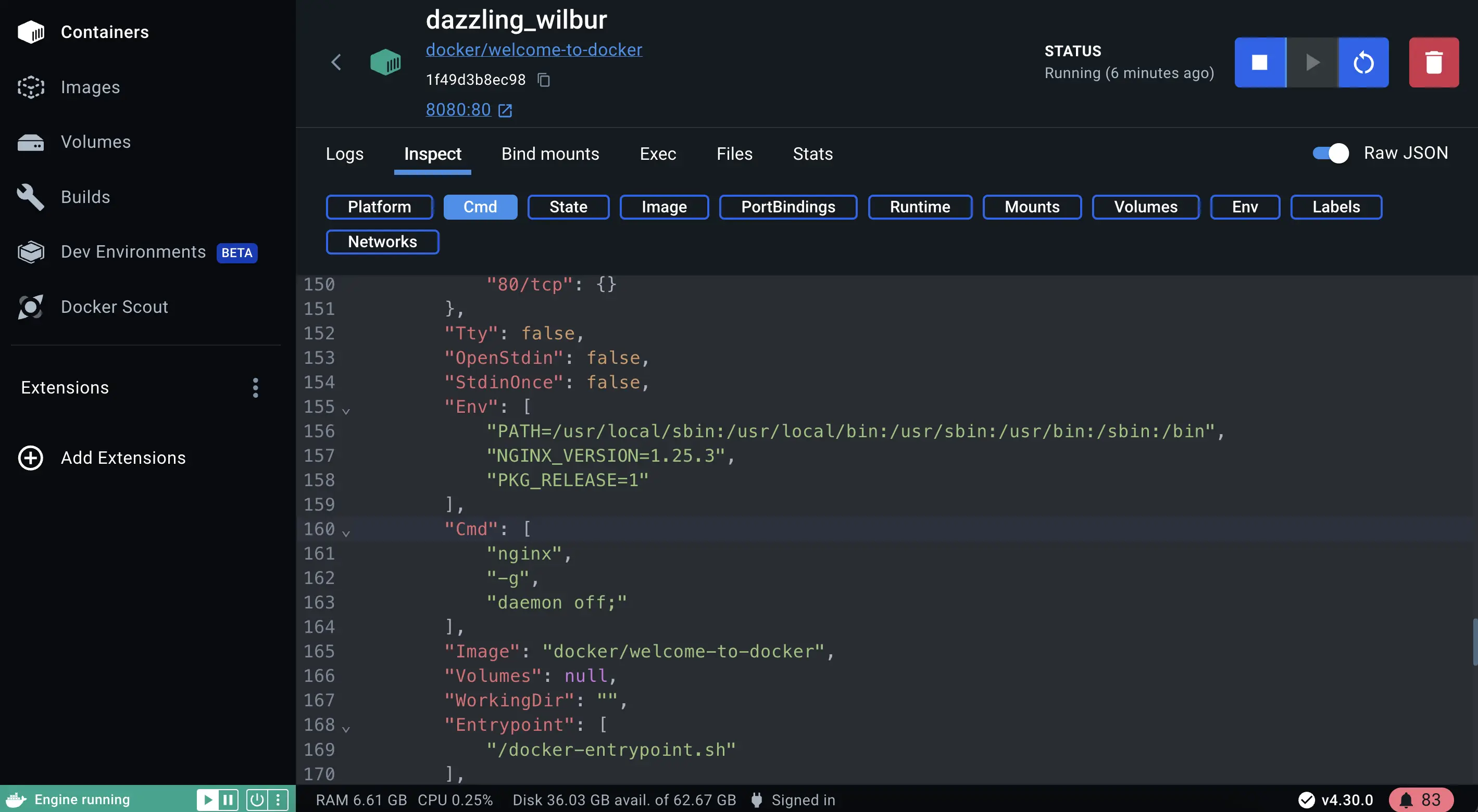
Select theInspectfield to obtain detailed information about the container. You can perform various actions such as pause, resume, start or stop containers, or explore theLogs,Bind mounts,Exec,Files, andStatstabs.
Docker Desktop simplifies container management for developers by streamlining the setup, configuration, and compatibility of applications across different environments, thereby addressing the pain points of environment inconsistencies and deployment challenges.